Chapters
- 1What is EmbroideryTrace?
- 2Create an account
- 3Sign in
- 4Upload your image
- 5Separate colours
- 6Use Trace
- 7Meet the Stitch Editor
- 8Choose a stitch type
- 9Set satin
- 10Edit shapes
- 11Save and reopen your design
- 12Pick your hoop
- 13Preview your design
- 14Export and stitch on your machine
- 15Free Plan and Pro
- 16Credits
- 17If something looks wrong
- 18FAQ
- 19Get help
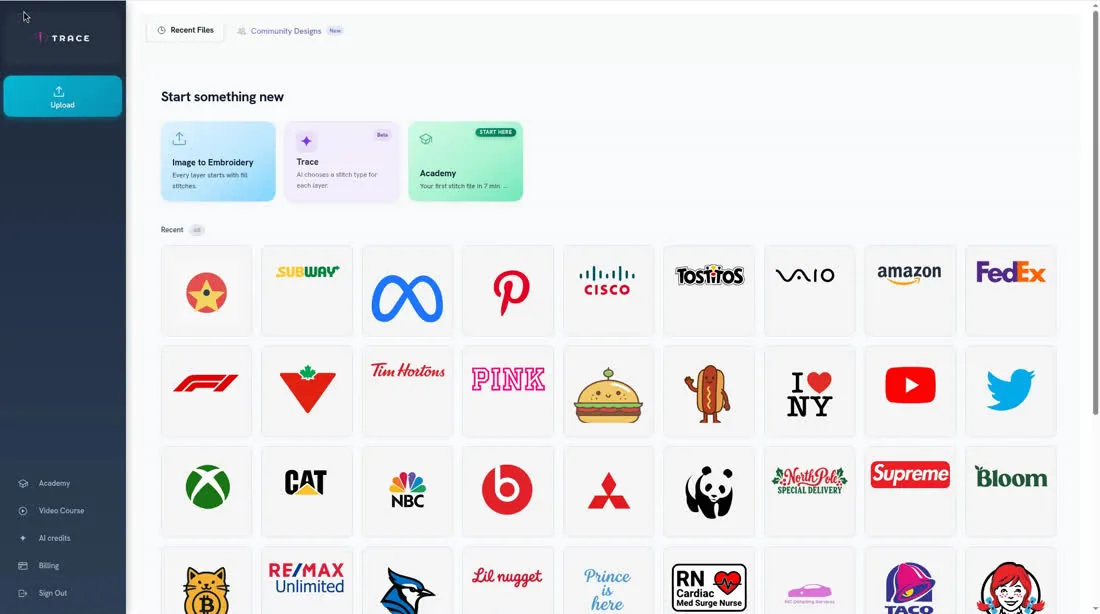
Open AI credits in the sidebar or the top bar to see your balance. Pro includes 3,750 credits each month (the month follows UTC time). Unused monthly credits do not carry over.
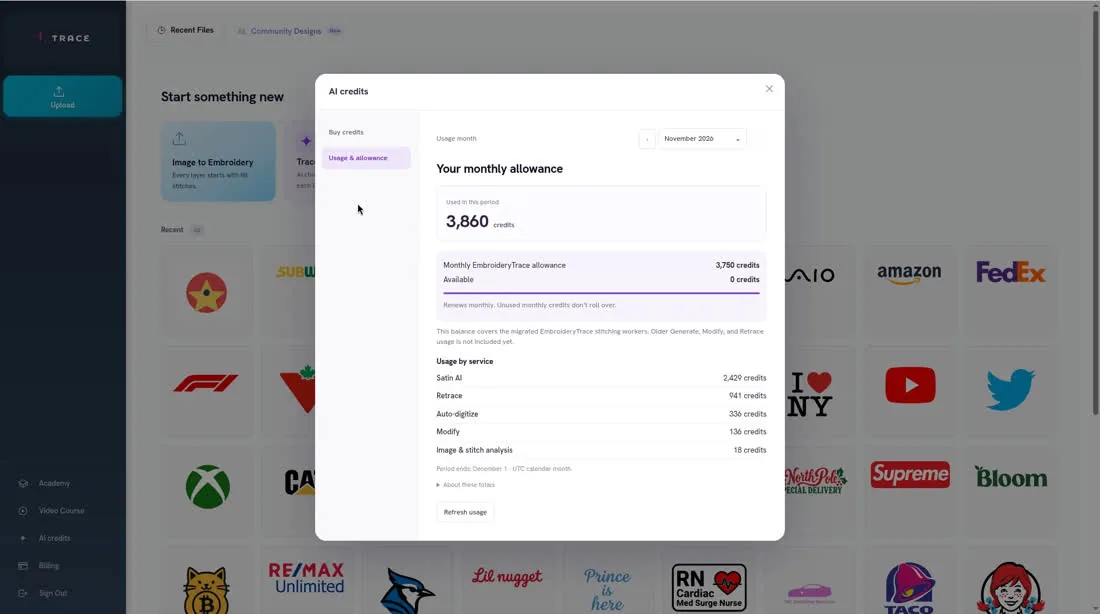
AI features use credits: Trace (shown as Auto-digitize), Let Trace handle it (shown as Satin AI), Retrace, Modify, and the automatic image analysis that runs when you upload (shown as Image & stitch analysis). If a picture has gradients or is low-resolution, Retrace may start on its own. Choosing Auto Fill does not use credits.
To check or buy credits
- 1
Click AI credits.
- 2
Review your balance. Open Usage & allowance to see how credits were used.
- 3
To buy more, open Buy credits and choose a pack. Purchased credits do not expire.
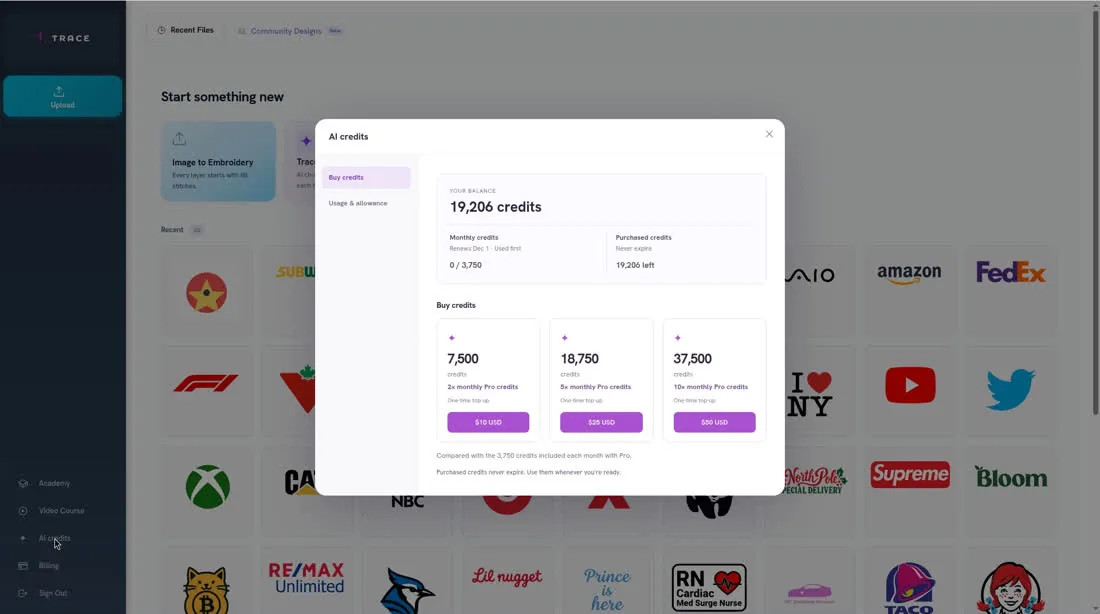
Optional packs are 7,500 credits for $10, 18,750 for $25, and 37,500 for $50.