Chapters
- 1What is EmbroideryTrace?
- 2Create an account
- 3Sign in
- 4Upload your image
- 5Separate colours
- 6Use Trace
- 7Meet the Stitch Editor
- 8Choose a stitch type
- 9Set satin
- 10Edit shapes
- 11Save and reopen your design
- 12Pick your hoop
- 13Preview your design
- 14Export and stitch on your machine
- 15Free Plan and Pro
- 16Credits
- 17If something looks wrong
- 18FAQ
- 19Get help
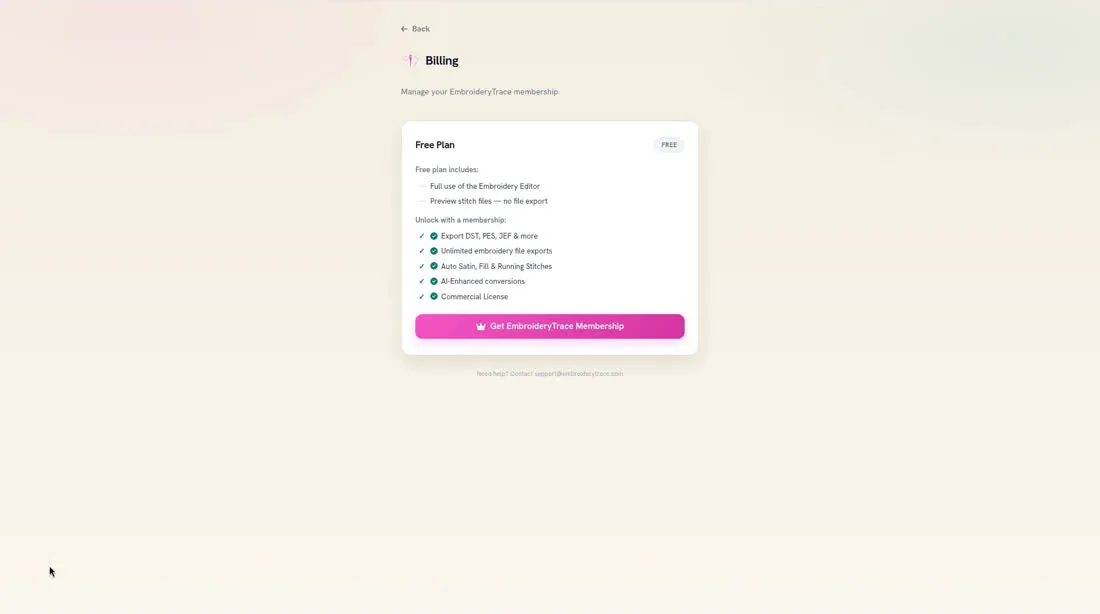
The Free Plan includes Full use of the Embroidery Editor and Preview stitch files — no file export. Downloading a stitch file needs a Pro membership.
Pro is $17.99 per month or $119.88 per year. The plan you pick is billed at checkout and renews automatically. You can cancel anytime from Billing to stop future renewals. You keep access until the end of the current period.
To subscribe
- 1
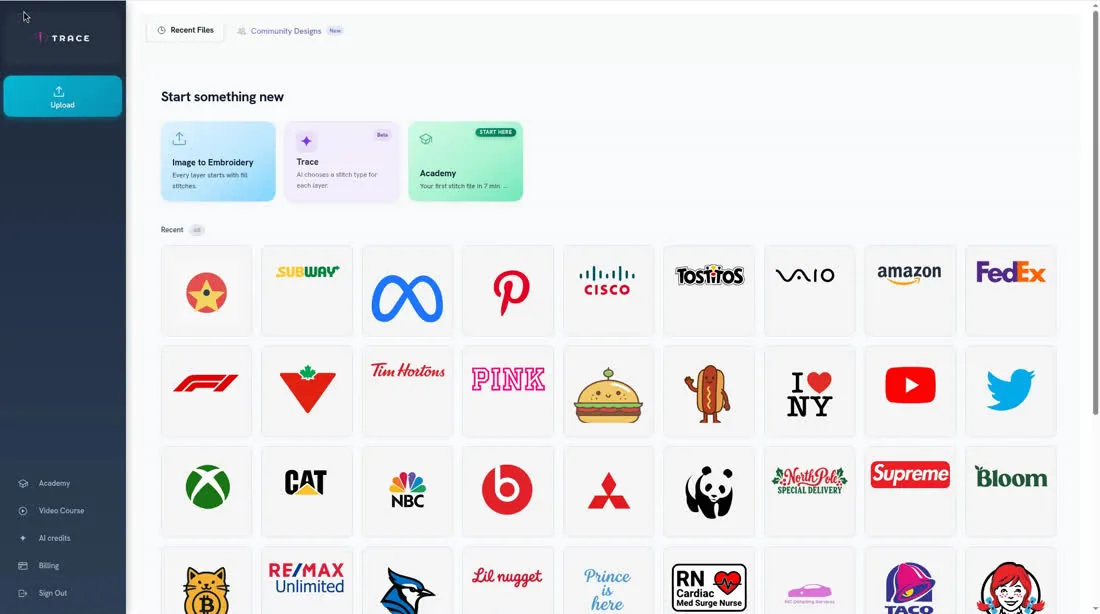
Open Billing in the sidebar.
- 2
On the Billing page, under Manage your EmbroideryTrace membership, click Get EmbroideryTrace Membership.
- 3
Choose monthly or yearly and complete checkout. Billing starts at checkout.
To update a payment method or view invoices later, open Billing and click Manage Billing.