Chapters
- 1What is EmbroideryTrace?
- 2Create an account
- 3Sign in
- 4Upload your image
- 5Separate colours
- 6Use Trace
- 7Meet the Stitch Editor
- 8Choose a stitch type
- 9Set satin
- 10Edit shapes
- 11Save and reopen your design
- 12Pick your hoop
- 13Preview your design
- 14Export and stitch on your machine
- 15Free Plan and Pro
- 16Credits
- 17If something looks wrong
- 18FAQ
- 19Get help
EmbroideryTrace saves your work to your account automatically as you edit. You do not have to remember to save after every change.
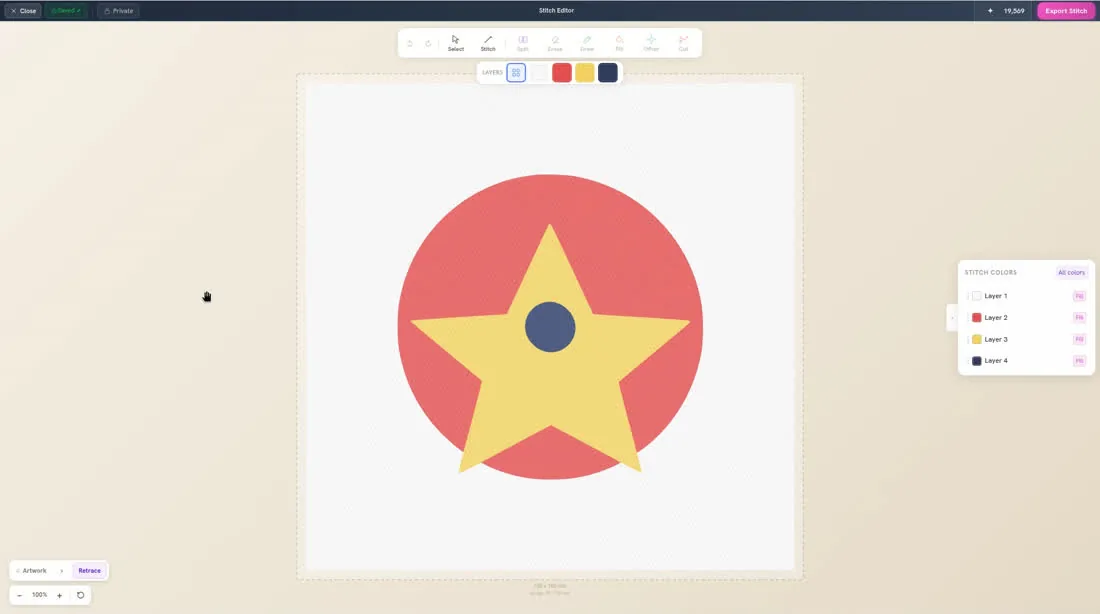
The top bar can show Save, Saving…, or Saved ✓. When you are done, click Close to return to Home.
To reopen a design
- 1
Click Close in the Stitch Editor.
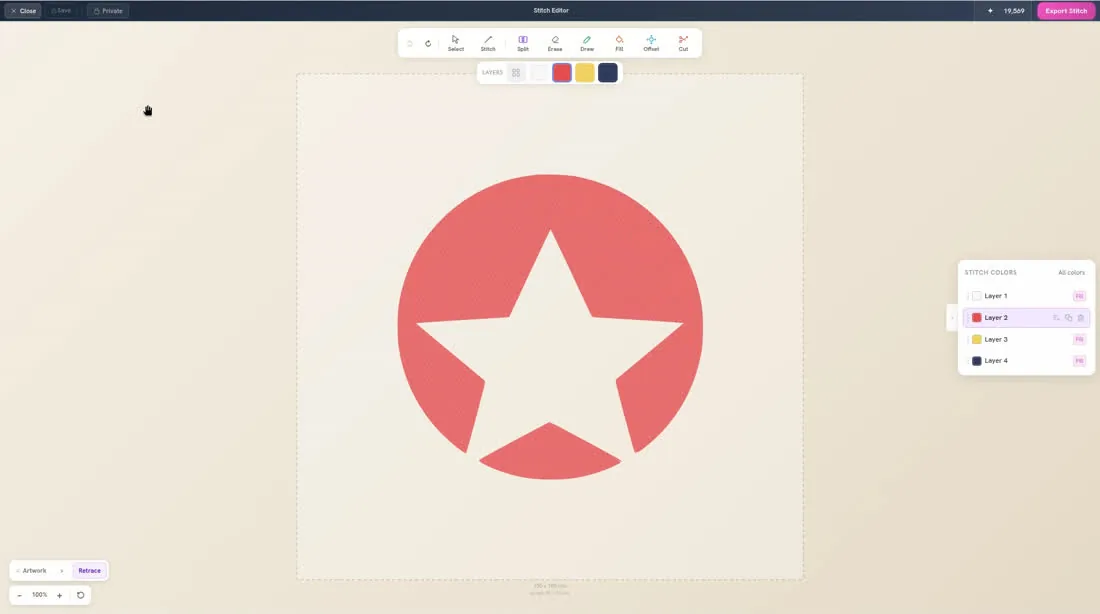
- 2
On Home, open Recent Files. Your designs also appear under Recent.
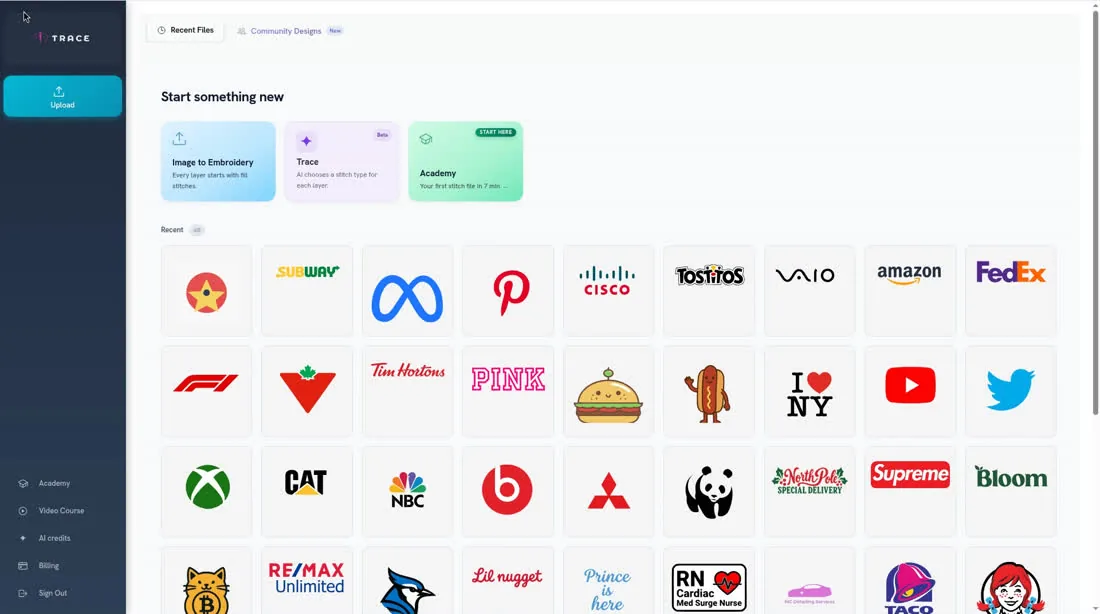
- 3
Click the design you want to keep working on.